Search "TV remote" on the App Store and you'll find hundreds of apps, most of them near-identical, and most of them freemium in ways the listing doesn't spell out. This guide sorts the field honestly: what a universal remote app on an iPhone can and cannot do, how the official manufacturer apps compare, and how to pick without wasting an evening on trial-and-error.
Two disclosures up front. We make Remo, one of the apps discussed below — and Remo is itself a paid app once you get past pairing, which we spell out precisely in its section rather than burying it. We'll also tell you exactly where the official free apps are the better choice, because for a lot of households they are.
First, the hard truth about iPhones and IR
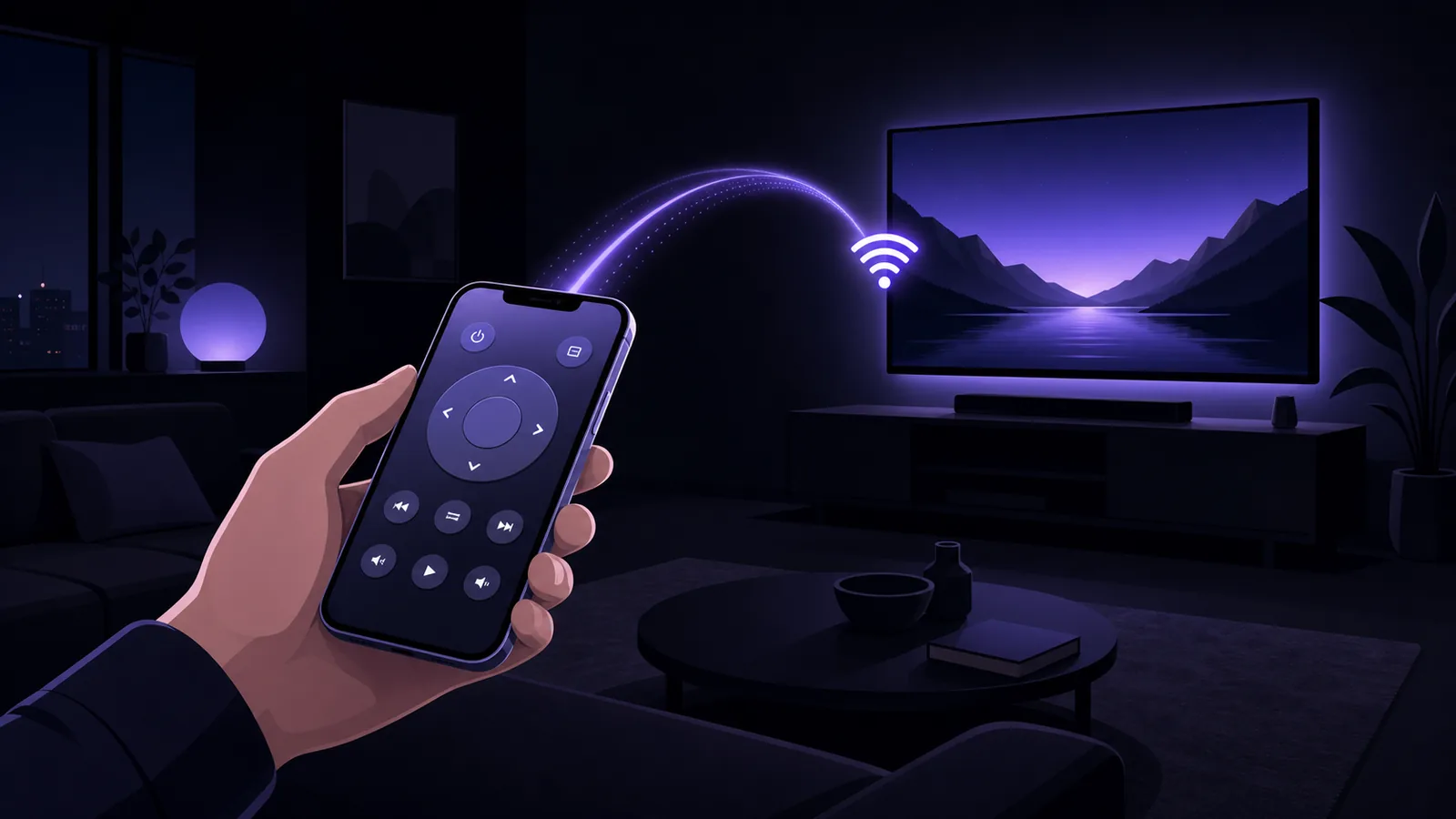
Classic universal remotes work by blasting infrared codes at the TV. iPhones have no IR transmitter — no app can add one, whatever its store listing implies. Every legitimate TV remote app for iPhone works over Wi-Fi instead, using the network remote protocols built into smart TVs (we explain the mechanics in our iPhone TV remote guide).
Practical consequences:
- A remote app can only control network-connected TVs and streamers — roughly everything sold since 2016, plus any TV with a Roku/Fire TV/Google TV stick plugged in.
- A dumb TV with no streaming stick can't be controlled by any iPhone app, full stop. Apps promising otherwise are the first ones to avoid.
- Phone and TV must share a Wi-Fi network. No pointing required; walls don't matter.
What actually separates good from bad
After building protocol support for eight TV platforms, these are the dimensions that genuinely differ between apps:
- Real protocol coverage. The box-ticking question: which brands does the app actually pair with? Good apps implement each platform's native pairing (Samsung's on-screen allow, LG's client key, Android TV's PIN, Vizio's PIN, Fire TV's ADB approval). Bad apps list twenty brands and connect to two.
- Reconnection behaviour. The most common complaint in remote-app reviews is "worked yesterday, won't connect today." Look for apps that store pairings per TV and silently reconnect when your phone wakes up — re-pairing every session is a dealbreaker in daily use.
- Text input. Typing a search on the phone keyboard instead of arrow-keying across an on-screen grid is the single biggest quality-of-life win. Some apps forward keystrokes properly (including backspace); many don't offer typing at all.
- App launching. Jumping straight to Netflix on the TV beats navigating the TV's launcher. The best implementations read the TV's real app list where the platform allows it (Roku and LG do), rather than showing a fixed guess.
- Honest pricing. Most universal remote apps are freemium, ours included. That's legitimate — maintaining eight protocols against every firmware update is real ongoing work — but two things separate fair from sharp practice: the listing should say where the paywall sits, and you should be able to confirm that your specific TV is found and pairs before any money changes hands. An app that takes payment before you know it can even see your TV has the order backwards.
The official apps: free, and sometimes the right answer
Every platform's first-party app is free and reliable for its own brand:
| Official app | Controls | Strengths | Limits |
|---|---|---|---|
| Roku (official) | Roku TVs & players | Excellent; private listening feature | Roku devices only |
| SmartThings (Samsung) | Samsung TVs | Free, deep Samsung integration | Account required; remote buried in a smart-home hub |
| LG ThinQ | LG TVs | Free, full control | Account required; same smart-home bulk — see our LG guide |
| Google TV app | Android TV / Google TV / many Sony | Built into the ecosystem | Google account; those platforms only |
| Fire TV app (Amazon) | Fire TV devices | Free, includes voice search | Amazon account; Fire TV only |
If your household is single-brand, stop here. One TV brand, one free official app, no reason to pay anyone — including us.
When a universal app earns its place
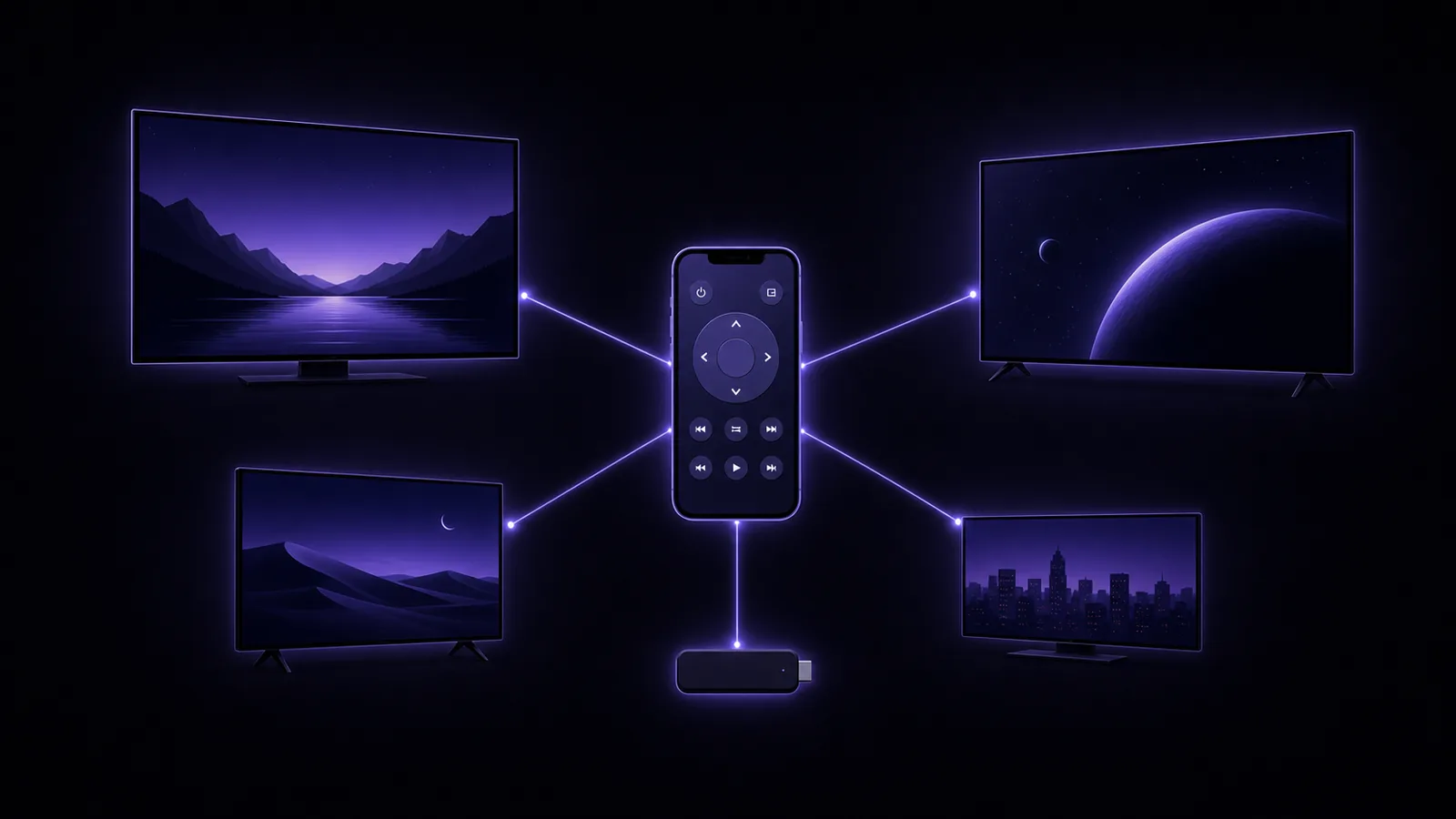
The official-app approach collapses in a mixed-brand home: a Samsung in the living room, a Roku bedroom TV and a Fire TV stick means three apps, three layouts, and three different places to find the volume button at midnight. A universal remote app consolidates all of it behind one interface.
Remo
Remo is our entry, built around three priorities:
- Coverage: native protocol support for Roku, Samsung, LG, Android TV, Google TV, Sony, Vizio SmartCast and Fire TV — each with its proper pairing flow, found automatically by scanning your Wi-Fi.
- Reconnection: every paired TV is remembered (with its token or key, so you never re-approve), the app reconnects to your last TV on launch, and a header dropdown switches between TVs in the house with one tap.
- Daily-use details: full skeuomorphic remote with D-pad, number keypad, colour keys and rockers; a touchpad mode; phone-keyboard typing with backspace and enter that lands directly in TV search boxes; and an app launcher that shows the TV's real installed apps (with actual icons on Roku and LG).
What Remo costs, stated plainly: the download is free, and finding your TV and completing pairing is free — so you can confirm Remo actually sees and connects to your specific model before paying anything. Controlling the TV is part of Remo Premium, sold as a weekly or yearly subscription or a one-time lifetime purchase. That means the paywall sits before the first button press, which is exactly the arrangement we'd want disclosed by someone else's app, so here it is in ours. If pressing buttons for free matters more to you than covering every brand in one place, your TV maker's official app does that and costs nothing — see the table above.
Remo requires no account, and we don't publish invented ratings anywhere on this site; the App Store listing always shows the live numbers.
The rest of the category
We're not going to review named competitors we can't measure fairly — store listings change weekly and most complaints (dropped connections, aggressive paywalls) vary by TV model. Instead, apply this five-minute test to any universal remote app, ours included:
- Install it and scan. Does your actual TV appear, by brand and model?
- Complete pairing. Does the TV-side prompt or PIN behave as its manufacturer designed it?
- Find the paywall before you pay. Does the app state clearly which parts are free and which need a subscription — and did steps 1 and 2 work without payment?
- Kill the app, reopen it. Does it reconnect without re-pairing (on whichever tier you're on)?
- Check the button layout and the keyboard. Is everything your remote has actually there, and does typing go to the TV's search box?
Steps 1, 2 and 4 are the ones that predict daily frustration, and you can run all three before spending anything. An app that fails 1 or 4 will only get more annoying with time, whatever it costs — and an app that can't answer 3 in its own store listing is telling you something.
Quick recommendations by situation
- One TV, one brand → the manufacturer's free official app.
- Apple TV box only → the built-in Control Center remote; installing anything is unnecessary.
- Mixed brands, or you hate the lost-remote hunt → a universal app; we'd obviously suggest starting with Remo, using the five-step test above.
- Old non-smart TV → no iPhone app can help directly; a cheap streaming stick (with its stick controlled from your phone) or a replacement IR remote are the real options.
FAQ
Are universal remote apps safe? The reputable ones use the TVs' own local protocols, which all require an on-screen approval or PIN before any control happens, and traffic never leaves your Wi-Fi. The thing to watch is not safety but pricing — check what the free tier includes before subscribing.
Why do these apps cost money when official apps are free? Manufacturer apps are subsidised by selling TVs. A universal app maintains eight-plus protocol implementations across every firmware update, for every brand at once — the freemium model funds that. Whether that's worth it depends entirely on how many brands live in your house.
Do universal apps work with soundbars and set-top boxes? TV-platform streamers (Roku, Fire TV, Google TV devices) yes — they speak the same protocols as the TVs. Cable boxes and most soundbars don't expose network remote APIs, so volume for those usually still means HDMI-CEC through the TV.
Can two phones control the same TV? Yes. Each phone pairs separately, and the TV treats them as independent approved remotes — useful the moment the primary phone leaves the house.
Sources: Roku — External Control Protocol, webOS TV developer documentation, Amazon — Fire TV app basics, Apple — Control your Apple TV with iPhone.
Remo is not affiliated with or endorsed by any TV manufacturer or streaming service; brand names are used only to describe compatibility.